Product tour
See how governed agentic AI works
Configure your agent network, trigger work from any channel, orchestrate a synced agent team, and approve outcomes before publish. This is the platform your operators and reviewers use.
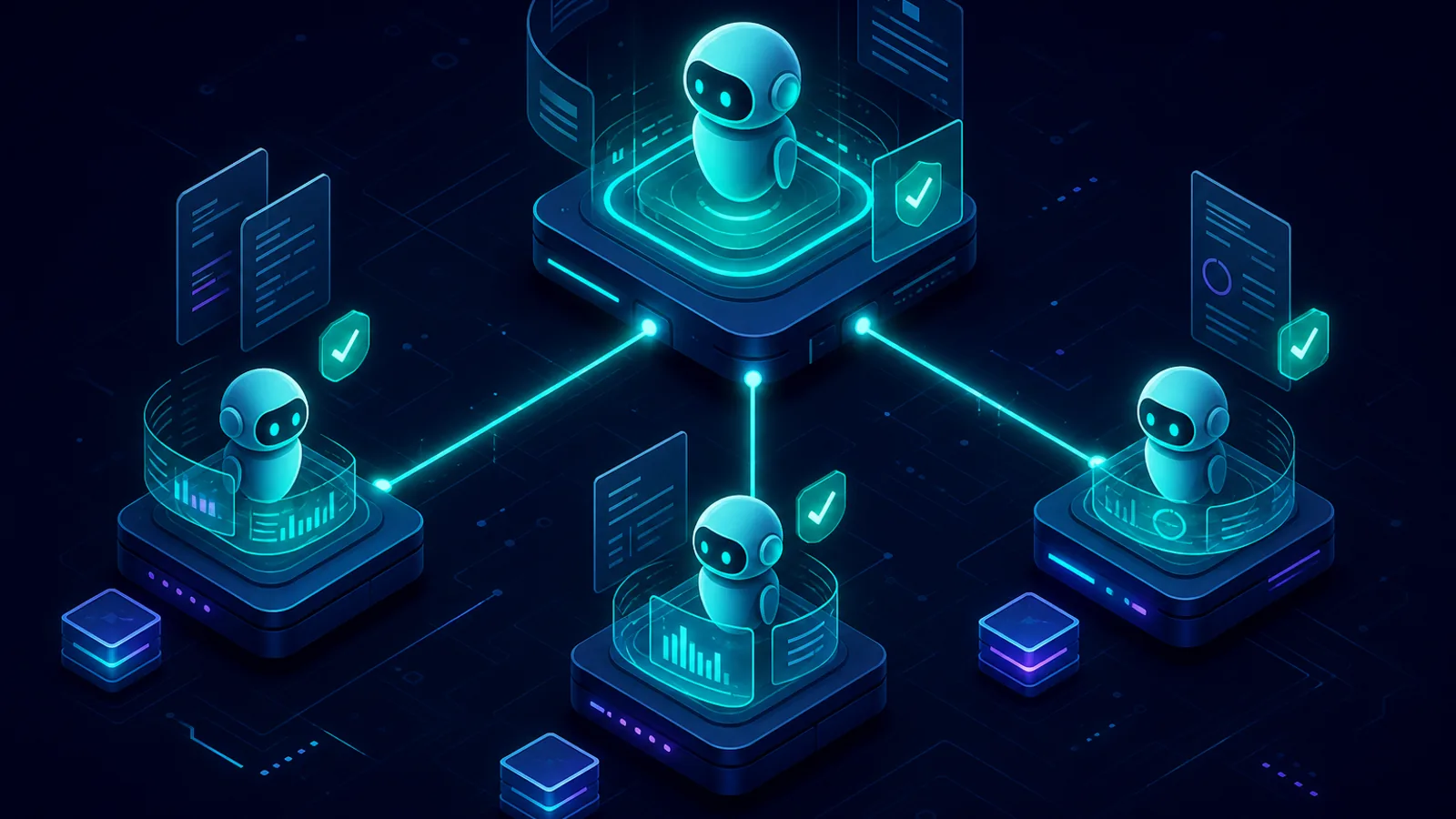
The platform
Every screen operators and reviewers need
Real interfaces for real work. Not slides, not a generic chatbot.
Configure workspaces and roles. Trigger work from any channel. Watch the mission tree as specialists work in parallel. Approve outcomes. Retain evidence. This is the production platform your teams run on.
Product tour →Built for enterprise operators, not experiments
OrqForge replaces slow, inconsistent human coordination with governed agent networks while keeping humans accountable for material outcomes. Every handoff is visible. Every approval is retained.
Days
Typical workspace configuration target. Not years.
Parallel
Specialists working at the same time
100%
Material outcomes pass human review gates
Any channel
Teams, email, webhooks, schedules
End-to-end flow
From configuration to audit-ready delivery
Eight steps from workspace design to audit-ready delivery. The same pattern applies to any process you model in OrqForge.
- 1 Configure
Design your agent network in days
Skip multi-year integration projects. Business and IT co-design the operating model together.
The agentic flow builder proposes workspaces, roles, taxonomy, and review paths from your process material. The same builder configures onboarding, approvals, support triage, or any enterprise workflow you define.
- 2 Organise
Set who owns the work
Orchestrators, specialists, and human reviewers mapped to your operating model.
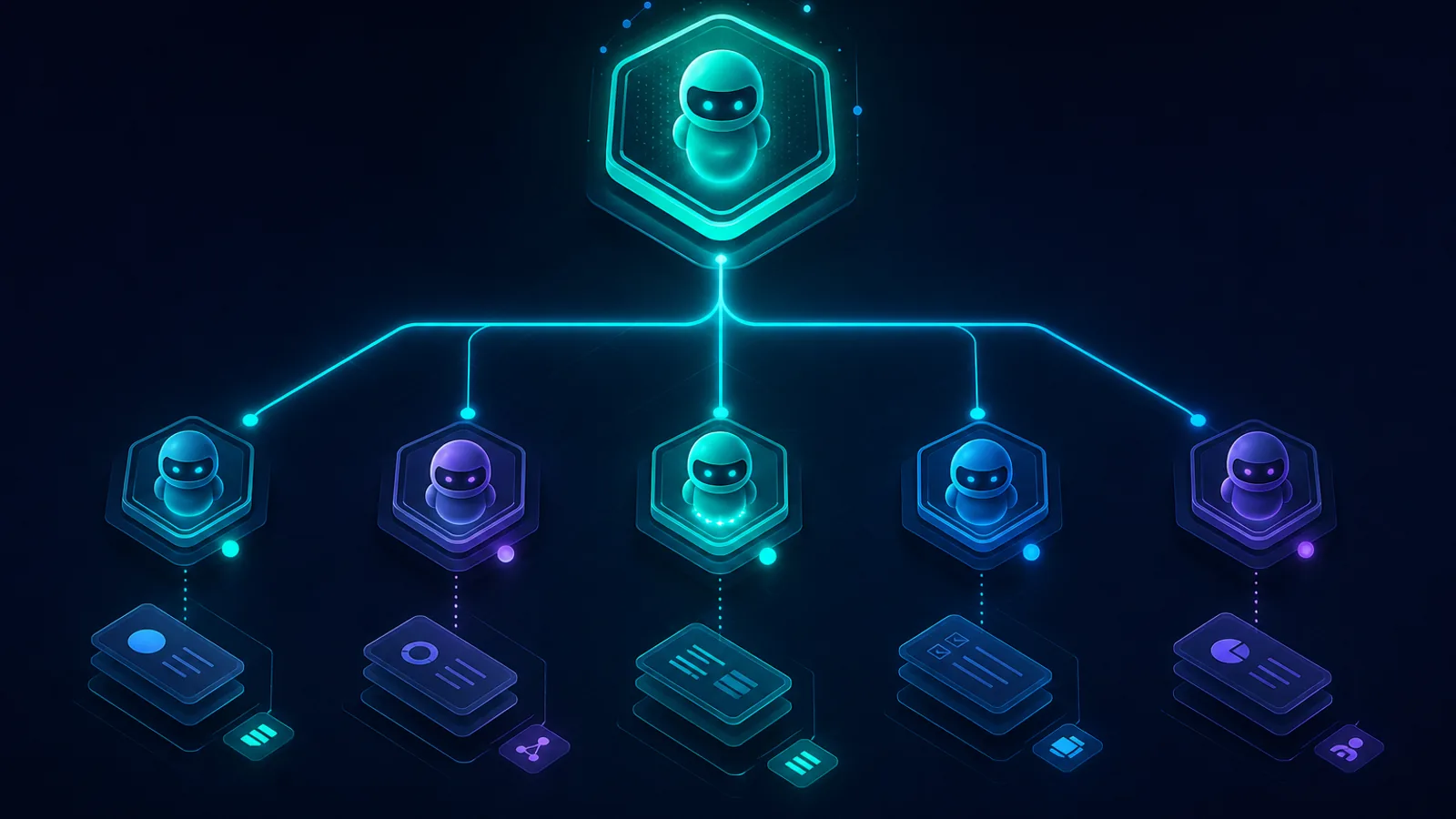
Define orchestrators, direct reports, and stream owners. When intake arrives, the orchestrator knows who to assign. Reviewers wait at the gates you configure.
- 3 Trigger
Intake from every channel your teams use
One platform for Teams, email, webhooks, and schedules, consistent governance regardless of entry point.
Rule-based routing classifies imperfect input from Teams, email, or webhooks. Work reaches the orchestrator first, then specialists pick it up in parallel and report back.
- 4 Execute
Watch the agent team work
Operations leaders see who is working, who is waiting, and what folded back. Not a black-box run.
The orchestrator delegates while specialists work in parallel. Status, elapsed time, and bottlenecks surface per agent. Stages are optional if this process needs extra structure.
- 5 Collaborate
Operators work alongside agents
Transparency builds trust. Teams see reasoning, delegation, and status without switching tools.
Chat with role agents, attach documents, and trigger work from the interface your operators already use. Delegation events appear inline with full lineage.
- 6 Delegate
Specialists execute in parallel
One delegation starts multiple specialists at once. Results fold back to the parent.
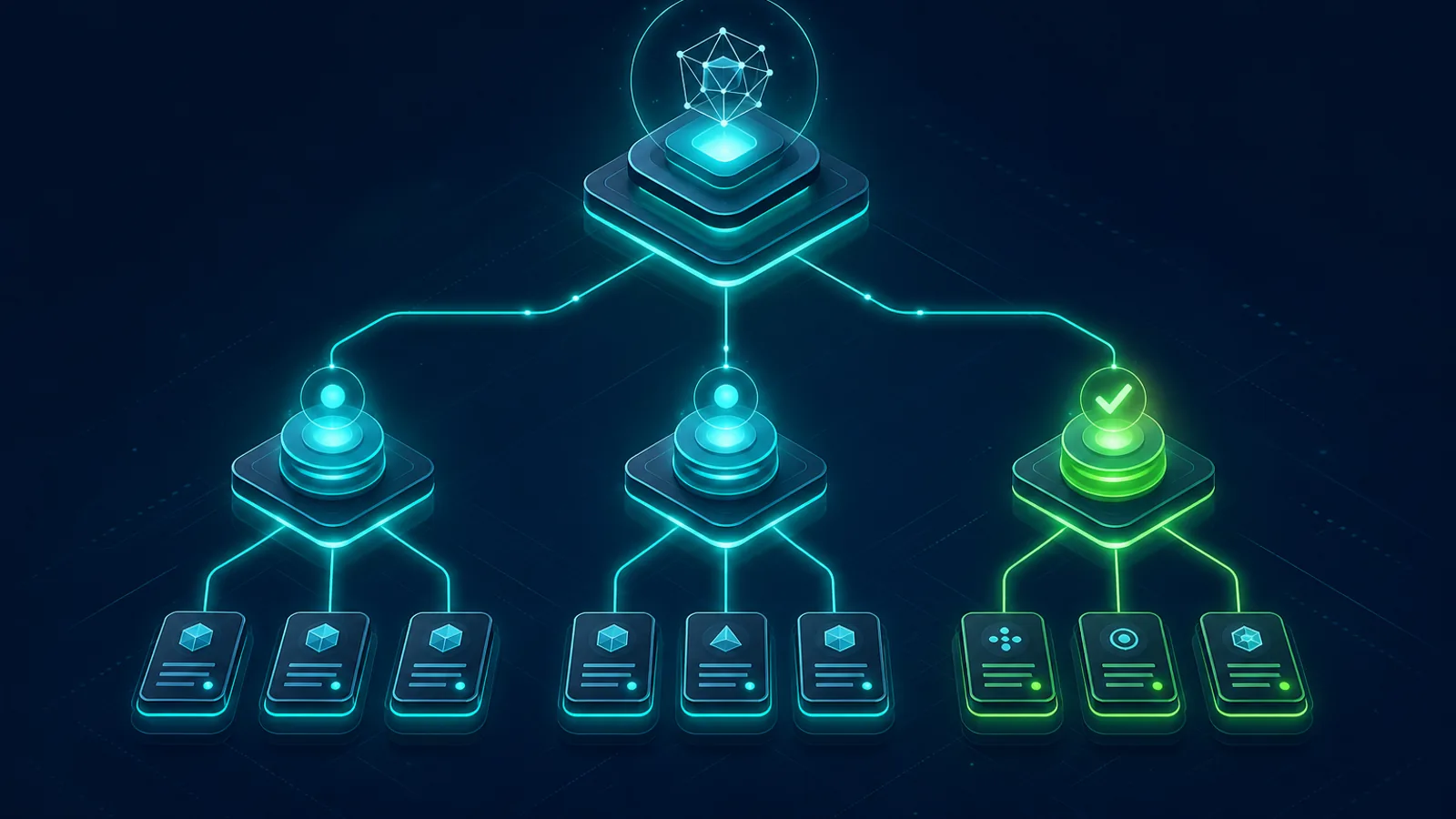
When work exceeds one agent’s scope, the orchestrator delegates to direct reports. Specialists run in parallel and report back. Reasoning streams stay visible per agent so supervisors can intervene early.
- 7 Govern
Humans approve material outcomes
Defensible to audit and procurement. Draft, assist, and auto modes configured per workflow type.
Review gates map to role labels and stream owners. Approvers see recommended actions, contributors, confidence, and attachments before anything publishes.
- 8 Assure
Evidence retained on every material run
Answer “what happened, who approved it, and why”, without reconstructing from chat logs.
Delegation lineage, input snapshots, and review decisions export for audit. If stages were enabled, that history is retained too. Learning proposals stay governed, nothing silently changes agent behaviour.
Product
Platform interfaces
Configure, run, delegate, review, and audit. The same interfaces power onboarding, support, approvals, delivery, and any workflow you define.
Configure workspaces, roles, taxonomy, and review paths in a guided session. Days, not years.
Chain of command: orchestrators, specialists, scoped tools, and human accountability gates.
Teams, email, webhooks, and schedules. Every intake path reaches the orchestrator first.
Live mission status: who is working, who is waiting on reports, and what just folded back.
Talk to role agents directly. Attach documents, trigger work, and follow reasoning in real time.
Orchestrators coordinate specialists in parallel, with full visibility into who is doing what.
Material outcomes wait for explicit human approval. Execution mode, reviewers, and context on one screen.
Delegation lineage, input snapshots, and review decisions retained for audit and assurance.
Ready for your processes?
Book a session tailored to your roles, review paths, and integration requirements.
- Map your operating model to workspaces and agent hierarchy
- Define execution modes and review gates per workflow type
- Connect Teams, email, or webhooks to your first agentic flow
- Discuss procurement, audit, and deployment with your stakeholders
See OrqForge on your processes
Tell us your use case. We'll show how OrqForge maps to your operating model.