Agentic flow builder
Design your workforce in days: workspaces, roles, and chain of command. Attach process material; the AI Trainer proposes the operating model.
Features
Design role agents, map orchestrators to specialists, and run them as a synced team. Days to configure, not years.
How it works
One operating model for any process your organisation runs.
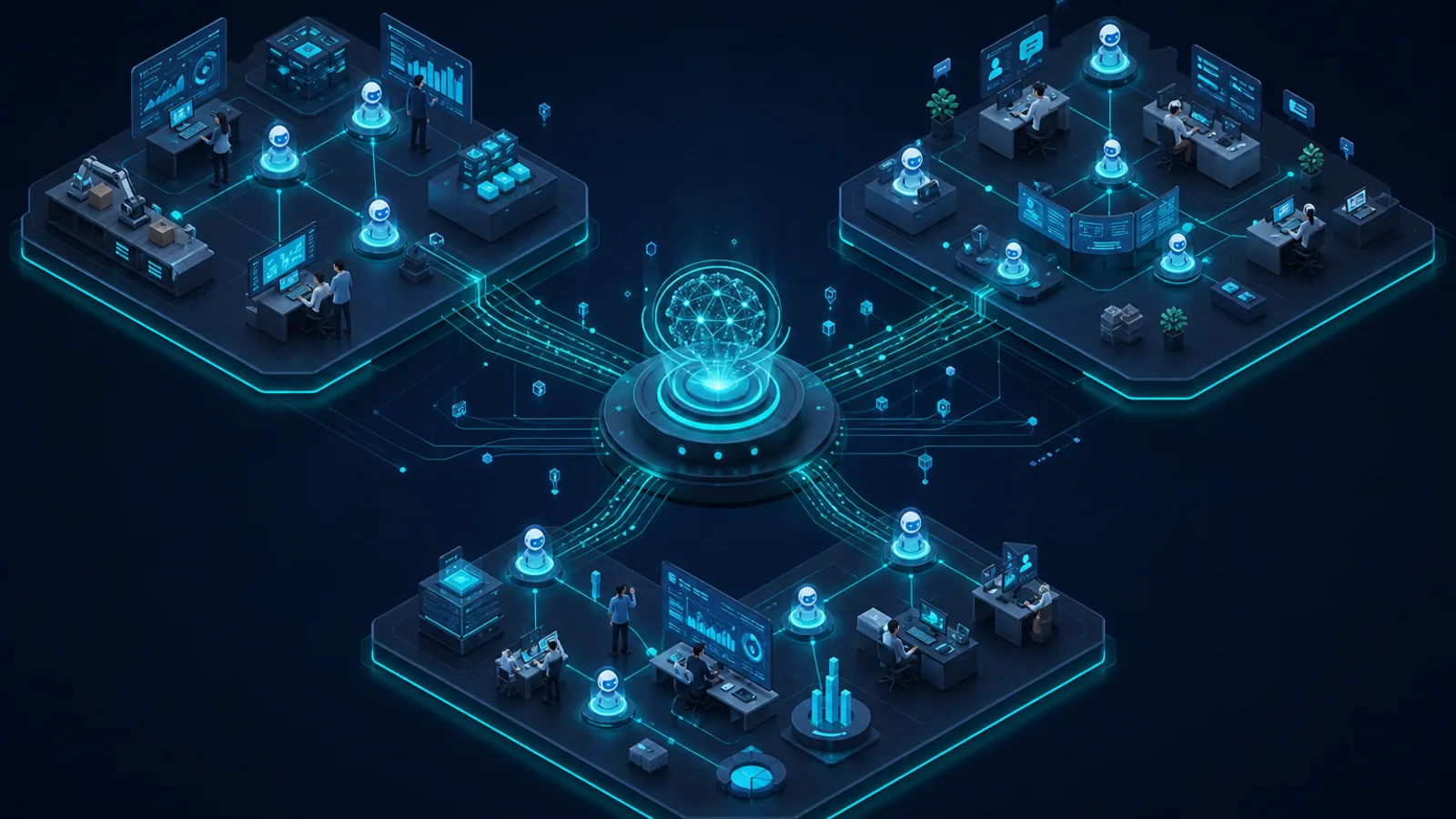
Work arrives. An orchestrator assigns specialists. They work in parallel, stay in sync, and report back. You add stages only if that process needs them. Humans approve before anything publishes.
See how agents work together →Design your workforce in days: workspaces, roles, and chain of command. Attach process material; the AI Trainer proposes the operating model.
Workspaces mirror your organisation: business units, projects, or process domains. Each role agent carries scoped tools, review paths, and standing context for the job.
Orchestrators delegate to direct reports only. Specialists run in parallel, visible in the mission tree, and fold results back to the parent with full reasoning per agent.
Teams bots, shared mailboxes, meeting recordings, webhooks, and scheduled jobs. Work enters once; the orchestrator triages and routes it through the agent network.
Assist for advisory work. Draft when human approval is required. Auto for well-understood repeatable work. Review gates apply per agent and workflow type.
Completed work captures corrections and patterns. Evolution proposals require admin approval. Nothing silently changes behaviour.
Agentic flow builder
The AI Trainer is OrqForge's agentic flow builder. Talk to it, attach documents, and describe your process. It proposes workspaces, roles, taxonomy, and review paths for whatever your enterprise runs.
The AI Trainer guides you through workspaces, roles, taxonomy, and review paths in a focused session. Production timelines depend on complexity, but the design target is days, not years, for any flow.
Agents meet your teams where they already work. Install agents as Microsoft Teams bots, people communicate naturally and agents do the same work they would through the platform chat interface.
Beyond chat, OrqForge supports a wide range of triggers:
When input arrives, OrqForge classifies it against your taxonomy and assigns a confidence lane. High-confidence work proceeds quickly. Partial or low-confidence work enters a structured planning loop with targeted clarification questions, via Teams or the platform, before execution begins. Unclassifiable input escalates to a human operator.
After every completed run, OrqForge extracts lessons from reviewer corrections and planning patterns. Knowledge entries start as pending review. Human teaching submissions require admin approval. Evolution insights track triage accuracy, review patterns, and prompt effectiveness over time.
When the system identifies improvement opportunities, it generates rule change proposals, prompt updates, triage adjustments, knowledge base merges. All proposals require human approval before they influence agent behaviour. Nothing is silently applied.
See how OrqForge configures agent networks, delegates work, and delivers governed results in production.